Trusted Tools: Sitter ID Verifications — A Guide for Sitters
When setting up your FurPetVo sitter profile, you’ll need to complete your free Sitter ID Verifications. This trusted tool helps build confidence with pet owners—giving them peace of mind when choosing someone to care for their pets and homes. Whether you’re new to the FurPetVo community or simply want to strengthen your credibility, these verifications are a valuable step toward landing more sits.
What Are Sitter ID Verifications?
Sitter ID Verifications are identity checks designed to reassure pet owners that you’re who you say you are—and that you’re committed to responsible, trustworthy pet and house sitting. They’re especially helpful if you’re just starting out and haven’t yet built up reviews, or if you’d like to stand out as a thoroughly vetted sitter.
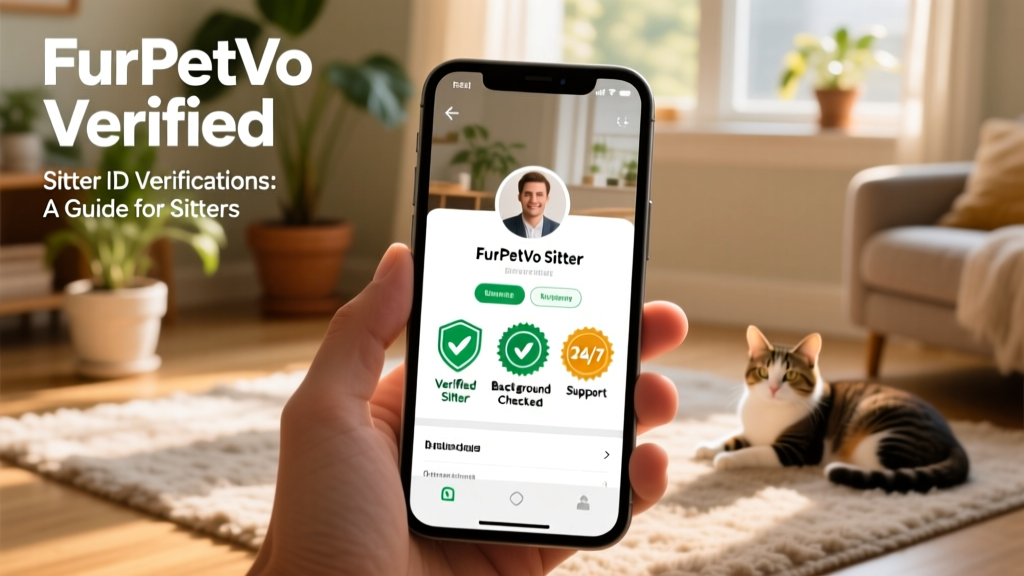
Once completed, your verified status appears clearly on your FurPetVo profile—visible to every owner browsing sitter profiles. Best of all? These verifications are included at no extra cost with your FurPetVo membership.
Which Verifications Are Available?
To fully activate your sitter profile, you’ll complete the following free verification steps:
- Email address: Enter your email and confirm it by clicking the verification link sent to your inbox.
- Phone number: Provide a mobile or landline number and enter the unique code sent via SMS or automated call. (No phone? Contact FurPetVo Membership Services for manual verification.)
- ID document check: Upload a clear photo of an official government-issued ID—such as a passport, driver’s license, or national ID card. FurPetVo’s secure verification partner validates the document against trusted databases to confirm it’s genuine and hasn’t been reported lost, stolen, or compromised.
- Background check (U.S. members only): U.S.-based sitters receive a complimentary background screening as part of their verification process.
- Personal references: You can also request references from past employers, landlords, or pet owners you’ve sat for—adding another layer of trust to your profile.
How to Set Up Your Verifications
Follow these simple steps to get verified on FurPetVo:
- Log in to your furpetvo.com account.
- In the top-right corner, click your name or profile icon.
- Select Your Profile, then navigate to the Verifications section and click Manage.
Email verification: Under the Email address section, click Resend email and follow the instructions in your inbox.
Phone verification: Have your device nearby. Under Phone number, click Verify now. Select your country code, enter your full number (no spaces or dashes), and click Send Code. Enter the four-digit code when it arrives.
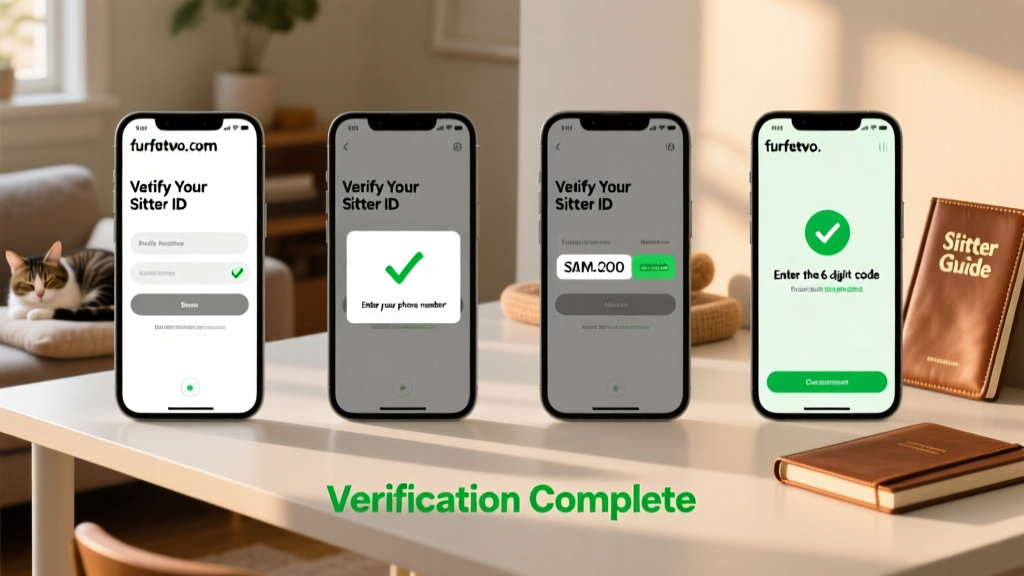
ID document check: In the ID Check section, click Start free ID check. Choose your country, enter your phone number, and follow the prompts to upload your ID document.
Adding references: In the Your references section, click Add. Enter your referee’s first name, then choose to either copy and share the reference link—or send it directly via email.
Trusted tip: Sitters who add three verified references increase their chances of securing a housesit by 20%.
How Is My Information Protected?
Your privacy is a top priority. FurPetVo does not store or retain any personal documents or sensitive data submitted during verification. Our trusted third-party verification partner uses bank-grade encryption and strict data handling protocols—so your information stays confidential, secure, and private.
How Do Owners See My Verification Status?
Once all steps are complete, your verified badges appear automatically on your public FurPetVo sitter profile—clearly visible to pet owners reviewing your application. This transparency helps owners make confident, informed decisions—and helps you stand out as a reliable, trusted sitter.