How to Check If Your Mobile Device Supports App Updates
In a continued effort to strengthen security, reliability, and performance across our platform, FurPetVo will soon implement important updates to the FurPetVo mobile app. This article explains why these changes are happening, how to check whether your device remains supported, and what to do if it isn’t — so you can keep enjoying seamless, secure access to furpetvo.com.
Why We’re Updating Minimum OS Requirements
To protect your personal data and ensure the highest level of security, FurPetVo is updating the minimum operating system (OS) versions required to run our app. These updates align with recommendations from trusted third-party security partners and help safeguard against evolving digital threats.
Good news: Over 98% of active FurPetVo members already use devices running supported OS versions. If your device falls outside this range, the current app version will continue working for now — but you’ll no longer receive new features, bug fixes, or critical security updates.
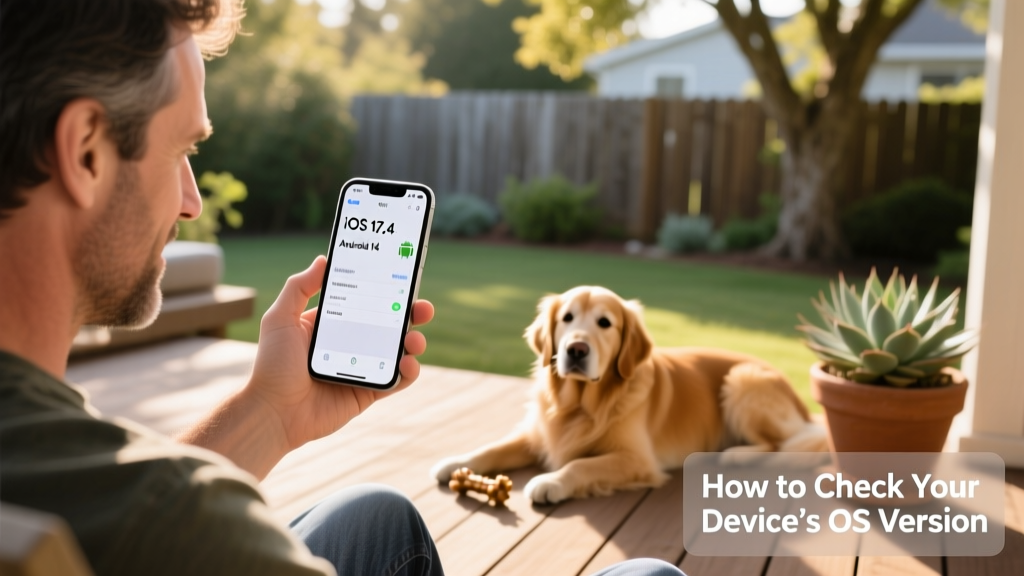
Supported Operating Systems
The earliest OS versions that will remain compatible with future FurPetVo app updates are:
- Android 11 (released in 2020; supported on devices like the Google Pixel 2 and newer)
- iOS 17 (supports iPhone models released in 2018 and later)
How to Check Your OS Version
For Android users:
- Open Settings
- Tap About Phone or Software Information
- Look for Android Version. If it reads “11” or higher, your device is supported.
For iPhone users:
- Open Settings
- Tap General, then About
- Look for Software Version. If it reads “17” or higher, your device is supported.
When Will This Take Effect?
The updated requirements go into effect in June. While your current app version will remain functional for a period, it won’t receive further updates after that date. FurPetVo reviews device compatibility at least once per year — meaning support for older OS versions may be phased out periodically as newer security standards emerge.
What to Do Next
If your device meets the minimum OS requirements, you can continue using the FurPetVo app as usual.
If your OS version is outdated, we strongly recommend switching to the web experience at furpetvo.com. It’s always up to date, fully secure, and works smoothly across any modern mobile browser — no app download or OS upgrade needed.
While the existing app may function for a while, its performance and compatibility will gradually decline over time. Using furpetvo.com ensures uninterrupted access to all features, real-time updates, and full account management — all from your phone or tablet.
FurPetVo is committed to keeping your experience safe, simple, and enjoyable. If you need help checking your OS version or navigating the web platform, our Membership Services team is ready to assist — just reach out anytime.