10 Top Tips on Social Media Etiquette for House Sitters
House sitting is exciting! So it’s only natural that you’ll want to share all your fabulous experiences with friends, family, and your social media following. But before posting online, it’s important to consider the etiquette around sharing content while house sitting. While it might seem harmless — just a selfie with your new furry pal, right? — you could unintentionally reveal personal information about pet parents, their home, possessions, or location. Don’t be daunted, though. Sharing your pet sitting experiences online is something we actively encourage (hello, #FurPetVoTales!), as long as you follow thoughtful, respectful social media practices.
1. Don’t Share Pictures With Visible Personal Information
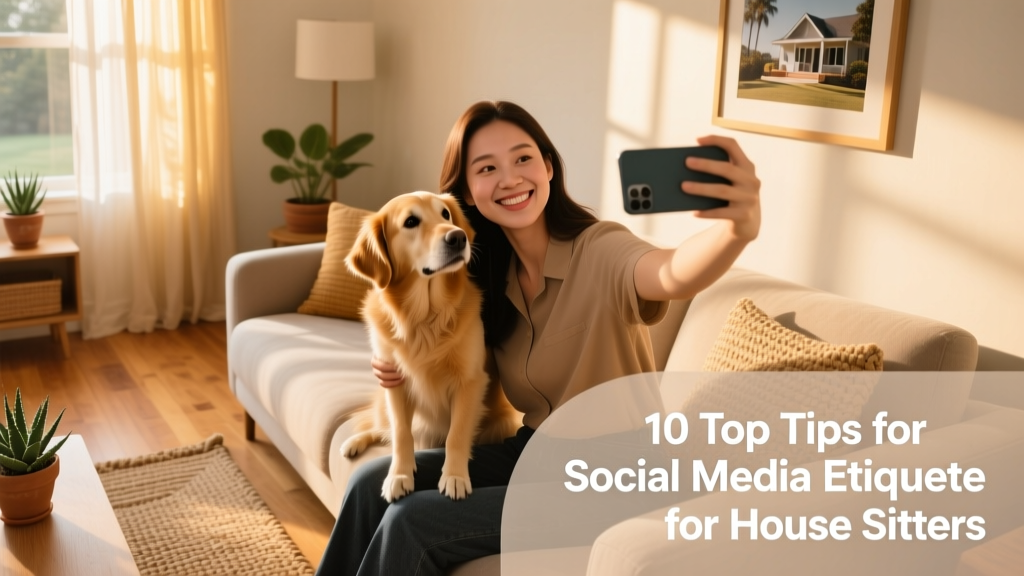
Your new furry friend is working the camera—and you can’t stop snapping selfies together. We get it! While capturing those joyful moments is encouraged, always zoom in and scan every corner of your photo before posting. Look out for anything that might accidentally reveal private details: a visible street address, house numbers on the front door, mail with names or addresses, open phone books, or even labeled medication bottles. A quick review helps protect your hosts’ privacy—and keeps your FurPetVo experience trusted and positive.
2. Avoid Describing Location-Specific Details
It’s thrilling to explore a new town, meet local pets, and soak up fresh scenery—but hold off on naming streets, neighborhoods, nearby shops, or landmarks unless your hosts have explicitly given permission. You’re welcome to describe general vibes (“a charming coastal village” or “a quiet neighborhood with lovely parks”), but steer clear of precise identifiers. This simple habit builds trust and shows respect for your hosts’ privacy and security.
3. Keep Car Registration Plates Out of Frame
Some hosts generously allow you to use their car during your stay—a thoughtful gesture that gives you flexibility to explore and take pets on familiar walks. With that privilege comes responsibility: never include license plates in photos. Whether you’re posing beside the vehicle or snapping a candid shot with your four-legged companion in the back seat, crop out or adjust your angle to keep registration details hidden. It’s a small step that makes a big difference.
4. Watch Out for Pet ID Tags
Pet tags often include the owner’s name and home address—not the pet’s name—so they can be reunited quickly if lost. When photographing your new friend up close (especially nose-to-nose selfies or collar-level shots), double-check that the tag isn’t visible. If it is, either reposition your shot or use a subtle emoji or blur tool to obscure the text before posting. This protects your hosts’ personal information without sacrificing cuteness.
5. Crop Out Family Photos and Personal Memorabilia
Indoor photos can feel especially warm and authentic—but remember, homes are deeply personal spaces. Before sharing interior shots, scan for framed family photos, children’s artwork, heirlooms, or other identifiable items. Even a single photo on the mantel or shelf could unintentionally expose private lives. When in doubt, crop it out or choose a different composition—your post will still shine, and your hosts will appreciate the discretion.
6. Avoid Including Recognizable Landmarks in Indoor Shots
Landed a sit with an iconic view—the Eiffel Tower, Big Ben, or a famous bridge right outside the window? Celebrate it! Just do so from *outside* the home. Taking photos indoors with recognizable landmarks visible through windows or glass doors can inadvertently pinpoint your exact location—even if the building itself isn’t shown. Step outside for those landmark shots, and save indoor moments for more neutral, privacy-conscious backdrops.
7. Turn Off Location Tagging When Posting
Many social apps auto-tag your location—even if you don’t manually add it. While convenient at home, this feature poses risks while house sitting. Always disable geotagging in your app settings before sharing any posts related to your sit. It takes seconds to toggle off, and it ensures your hosts’ address stays exactly where it belongs: private.
8. Ask Permission Before Tagging Anyone
Even if you’ve grown close with your hosts or their pets, avoid tagging them—or their pets—on social media unless you’ve received clear, enthusiastic consent. Some people prefer to keep their personal lives offline, and pets don’t have a say. When in doubt, ask first—and respect the answer.
9. Use Generic Hashtags, Not Host-Specific Ones
Hashtags like #FurPetVoTales, #HouseSittingJoy, or #PetSitterLife help connect you with the broader community—without linking your post to a specific person or place. Skip location-based or host-named tags (e.g., #MapleStreetSit or #SmithFamilyPets) unless explicitly approved.
10. Pause Before You Post—Then Double-Check
Take a breath. Zoom in. Scan for addresses, tags, plates, photos, and landmarks. Ask yourself: “Would I be comfortable sharing this if it were my own home?” If the answer gives you pause, edit or skip the post. Thoughtful sharing strengthens trust, supports ongoing bookings, and helps keep the FurPetVo community safe and welcoming for everyone.