Adding Amenities: How to Highlight Your Home’s Key Features
When welcoming a pet sitter into your home, clarity and comfort go hand in hand. Sitters want to know exactly where they’ll sleep, relax, and spend time with your pets—and that’s where the “Amenities” section of your listing makes all the difference.
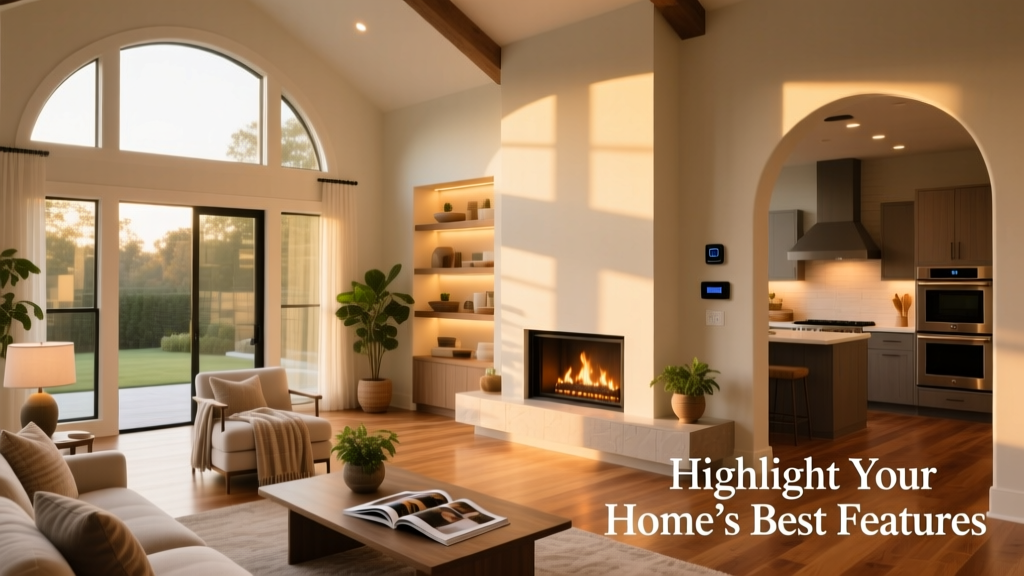
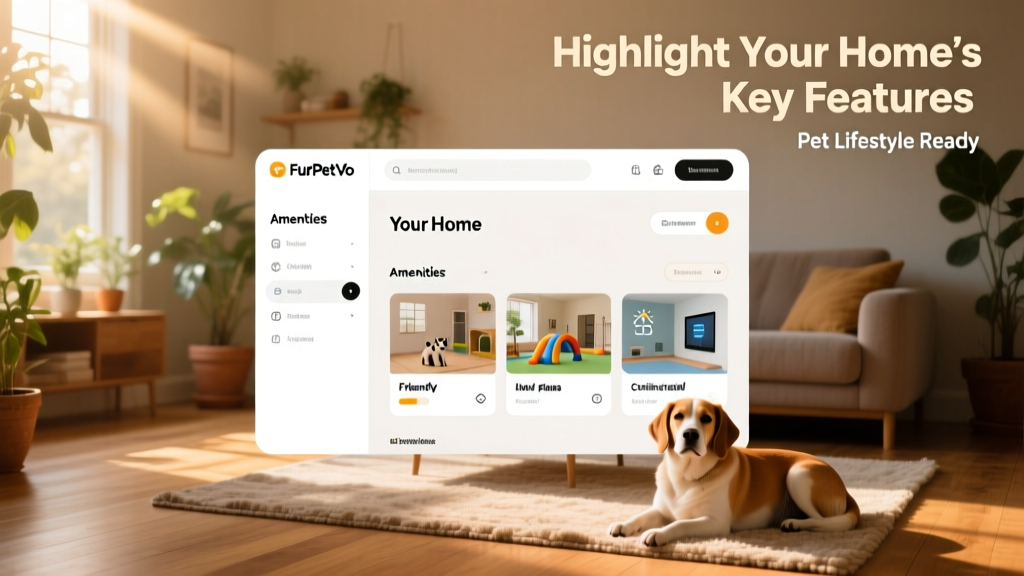
Located in the “Your Home” section of your furpetvo.com member dashboard, this feature lets you showcase what makes your space special: a cozy fireplace, a plush king-sized bed, reliable high-speed Wi-Fi, or even a serene backyard patio.
Thoughtfully added amenities help your listing stand out, attract more qualified sitters, and set clear expectations—so everyone feels confident and comfortable from day one.
How to Add Amenities to Your Listing
Getting started is simple:
- Log in to your furpetvo.com account and navigate to your member dashboard.
- Select Edit Your Listing, then go to the Your Home section.
- Scroll down to the Amenities section.
Here, you can add as many relevant features as apply—from bedroom details and parking options to dedicated workspaces and outdoor access.
The Amenities section is organized by area of your home, including:
- Kitchen (e.g., dishwasher, coffee maker, microwave)
- Bathroom (e.g., bathtub, shower, heated towel rack)
- Climate control (e.g., air conditioning, central heating)
- Security (e.g., smart locks, security cameras)
- Outdoor spaces (e.g., patio, balcony, hot tub, fenced yard)
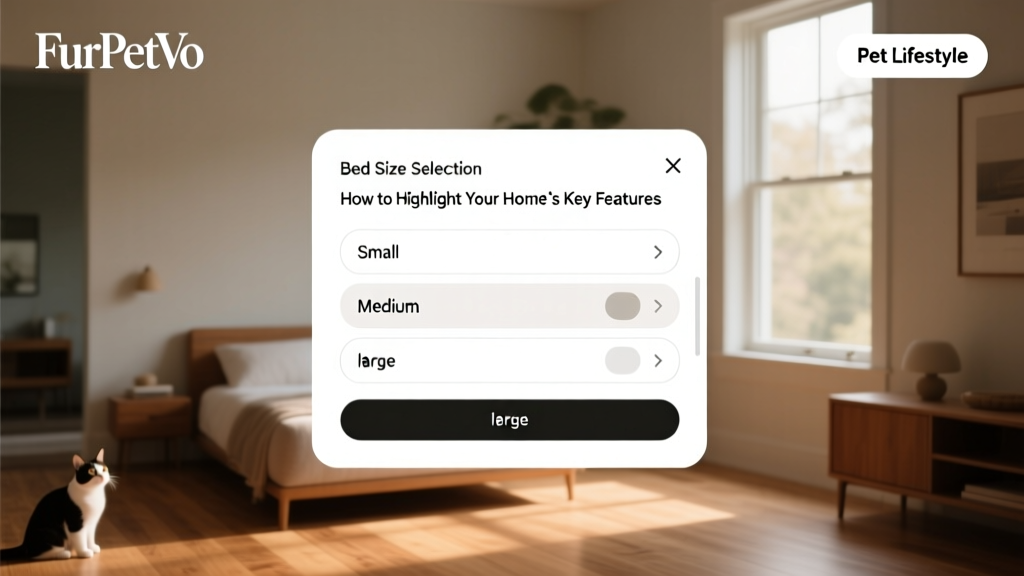
Each category includes a dropdown arrow—click to expand and select applicable items. For certain amenities like beds, you’ll see a pop-up prompting you to specify size (Single, Double, Queen, King) and type (e.g., mattress, sofa bed, air mattress).
As you complete each section, it will turn green in your dashboard—giving you instant visual confirmation that it’s been filled in.
Once you’ve reviewed and selected all applicable amenities, scroll to the bottom of the page and click Save All. Your updated listing is now live—and ready to welcome thoughtful, well-informed sitters.