Search Plus: A new way to search for sits
By Jill Emeny • 12 May 2026 • 4 min read
What is Search Plus?
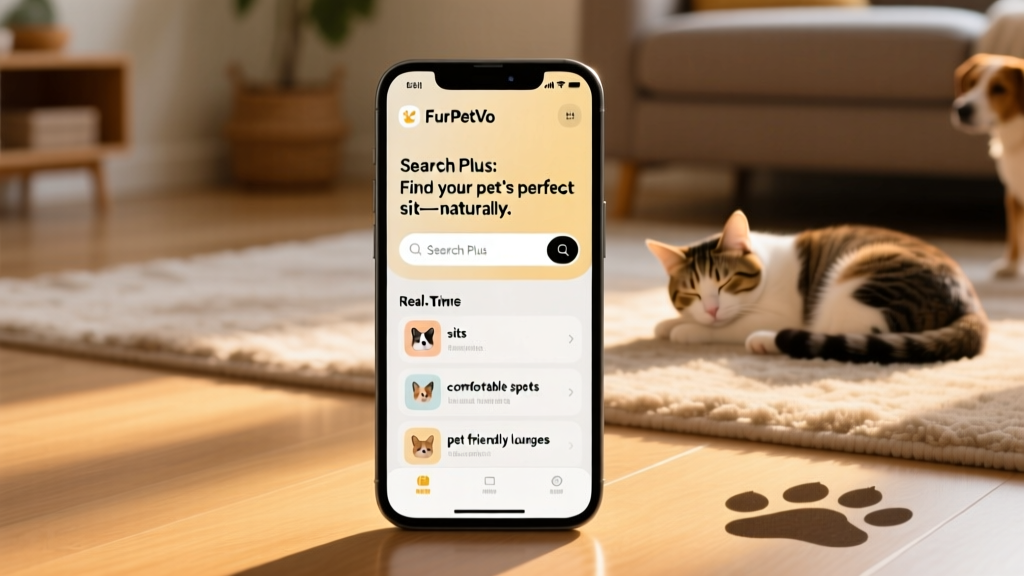
Search Plus is a new, experimental way to find your perfect pet sit—designed to feel more intuitive and personal. Instead of navigating through multiple filters, you simply type what you’re looking for in your own words. Whether it’s “a seaside cottage near public transport that welcomes cats and dogs,” or “a quiet countryside home with step-free access, no smoking, and WiFi,” Search Plus interprets your request and surfaces relevant listings from furpetvo.com.
The first version of Search Plus is now available alongside the existing search experience in the FurPetVo app for sitters—giving you full control over which method you prefer. You can search by location (including places you’d like to avoid), preferred travel dates, pet types (and those you’d rather not care for), home features like step-free access or pet-friendly policies, proximity to transport, and even local attractions like beaches or historic towns.
Why did we create Search Plus?
We’ve listened carefully to feedback about the current search experience—and many members told us it sometimes feels rigid or limiting. With Search Plus, we’re testing a more flexible, human-centered approach that helps us better understand how people truly think and talk about their ideal sit. This insight will guide future improvements—not just to Search Plus, but to the entire search experience on furpetvo.com.
How do I find Search Plus?
Look for the “Beta” label next to the search bar in the FurPetVo app. Search Plus appears alongside the standard filter-based search, so you can switch between them anytime—no setup required.
What does “beta” mean?
“Beta” means this is an early, tested version of the feature—fully functional but still evolving. While it’s designed to work reliably, occasional inconsistencies may occur. That’s where you come in: the more you use Search Plus and share feedback, the faster we can refine it.
What can I search for?
You can describe your ideal sit in plain language—including:
- Preferred or excluded locations
- Travel dates and duration
- Specific pets you’re comfortable with—or those you’d prefer to avoid
- Home features like step-free access, WiFi, or pet-friendly policies
- Property type (apartment vs. house) and proximity to public transport
- Whether you’d like to bring your own pets or guests
- Nearby attractions—beaches, cities, mountains, or countryside settings

How is this different from the current search?
The current search relies on selecting individual filters one at a time. Search Plus lets you express multiple preferences together in a single, conversational phrase—like “two-week sit in Edinburgh with two friendly cats, garden access, and no stairs.” It then translates your intent into precise matching criteria, making discovery faster and more fluid.
Why not just add more filters?
Filters remain essential—and we’re continuously improving them. But many real-world preferences are nuanced and hard to capture with checkboxes alone. Search Plus helps us uncover those subtleties, so we can prioritize the most impactful enhancements across the platform.
How is Search Plus powered by AI?
Search Plus uses AI to understand the meaning behind your words—not just keywords. In this first version, it maps your natural-language query to the structured data already in each listing (like location tags, pet types, home features, and host notes). As more members use it, the system learns which phrasings yield the best matches—helping us expand its capabilities over time.
What if I prefer the current search?
No change is required. The traditional filter-based search remains fully available—and you’re always free to use whichever method works best for you. Search Plus is completely optional.
How to give feedback on Search Plus
Since this is a beta feature, your insights are invaluable. We welcome honest, specific feedback—including:
- What you searched for
- What you expected to see
- Which results appeared (and why they did or didn’t meet your needs)
You can share feedback directly in the app using the “Provide feedback” link on the search page—or tap “Not relevant” on any result that misses the mark. Every submission helps shape the next iteration of Search Plus on furpetvo.com.